
The week after a shoot
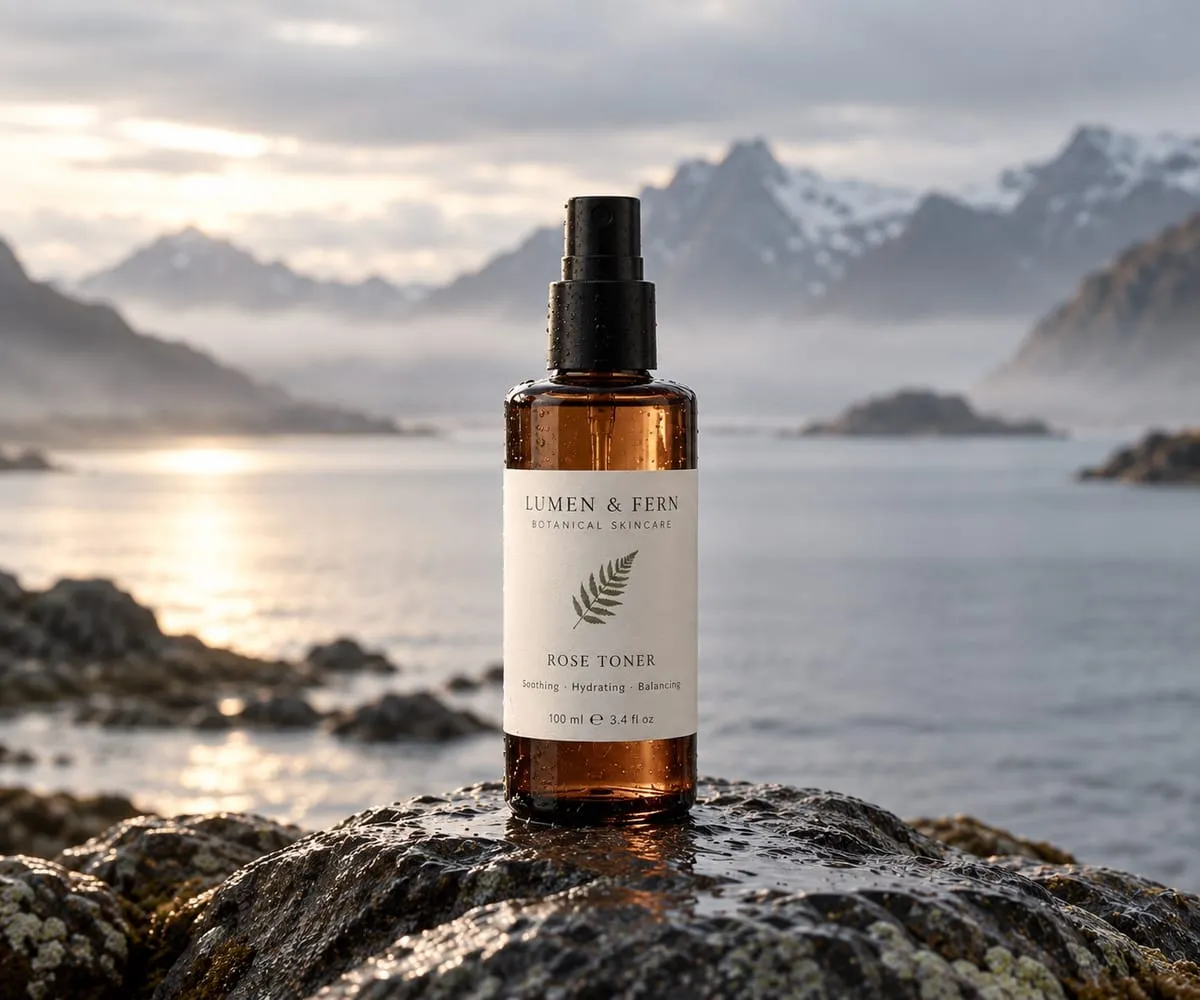
A skincare brand spent two days on a coastline in October and came home with 1,400 photographs. The photographer delivered them to a shared drive in three folders called “selects”, “final” and “final 2”.
Now the marketing lead has to turn them into product pages. The night cream needs a square image for Instagram, a 4:5 crop for the store, a white-background version for the marketplace feed and something tall for Pinterest. The magazine that wants to feature the serum asks for high-resolution files and a press release by Thursday. The wholesale buyer wants the same photos, smaller, with prices.
Every one of these is a small job. Together they fill the week that was meant for the next campaign.
Where content work stalls
The photos are not the problem. The distance between a photo and the product it shows is.
- Files without products. A folder knows the date of the shoot. It does not know which photo is the night cream in 50 ml.
- A crop for every channel, by hand. Each store and feed wants its own shape, and each crop cuts the bottle in a different place.
- Zip files to press. A link to a folder exposes everything in it; a zip is out of date the day after it is sent.
- Texts that drift. The ingredient list on the store is from last year’s formula.
What changes in Keelvy
A library that knows the product
Bring photos in from Google Drive or by dropping them in, and attach them to products and variants. Keelvy can sort a shoot by product for you to confirm, and it finds the duplicates.
One photo, a crop for each channel
Mark the point of the photo that has to survive a crop, once. Every channel’s size and shape is cut around it, and you see the checks before a photo goes out.
A check before it is published
Keelvy marks which photos are ready, which need a fix and which are not usable, by the rules you set for each kind of photo. Photos can also wait for a reviewer’s yes.
Edits in the studio
Crop, retouch, remove a background, relight or place a product in a new scene, and make short product videos. AI edits show their price in credits before they run, and the original always stays.
Galleries instead of zip files
Make a gallery for a buyer or a press kit, with a password and an expiry date, a link for each recipient and the sizes they may download. Change the gallery and every link shows the change.
Texts that come from the product
The product’s description, ingredients, sizes and translations live on the product, so the store, the feed, the line sheet and the data sheet print the same words. A channel can still have its own title.
Example: a press request with two days’ notice
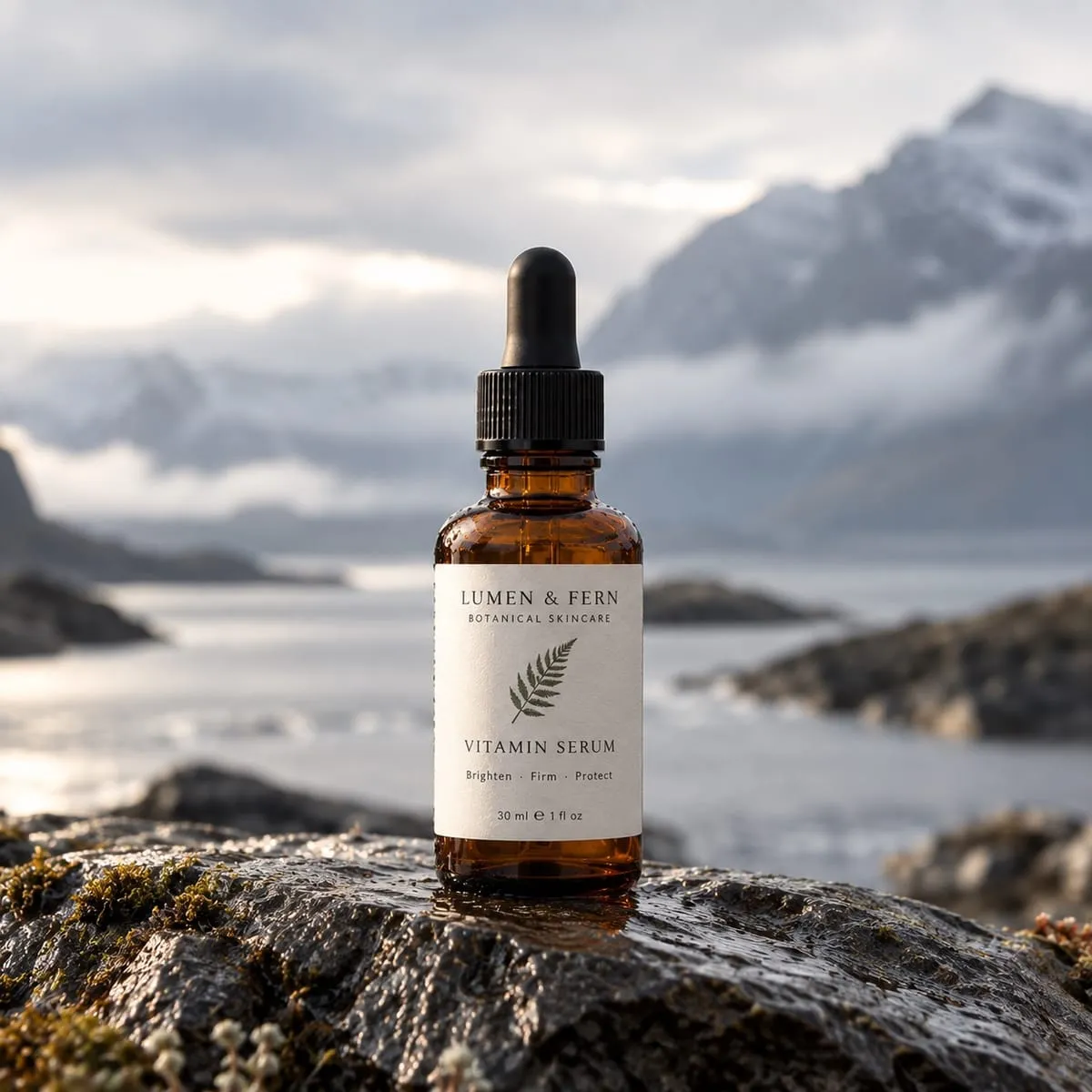
A beauty editor asks for the vitamin serum: three high-resolution photos, the product facts and the retail price, by Thursday.
- The marketing lead opens the serum and its 46 attached photos, filters to those marked ready and picks three.
- They go into a press gallery with a password and an expiry two weeks out, and the editor gets a link of their own.
- The serum’s customer data sheet, with its ingredients and sizes, is issued as a PDF from the same product.
- A week later the brand reshoots the bottle with a new label. The gallery is updated once, and the editor’s link already shows the new photos.
The result. Twenty minutes on Tuesday instead of an afternoon, and no out-of-date zip file in anybody’s inbox.
What Keelvy does not do
- It does not plan campaigns, send newsletters or post to social networks for you. It keeps the photos and texts those tools need, correct and in one place.
- It does not replace a photographer. AI edits change what you shot; they do not invent the product.
- It does not lock your files in. Your photos can be mirrored to your own Google Drive, and everything exports.