

Every photo and video, found in seconds.
Upload once. Keelvy files each picture against the right product, shrinks it for every shop and keeps the original safe.
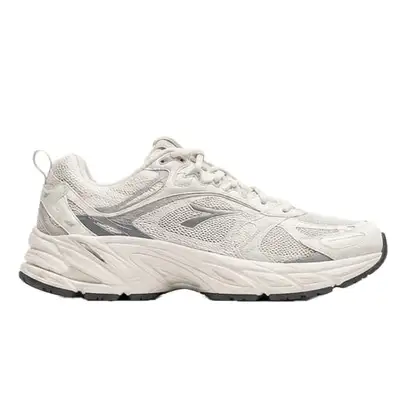
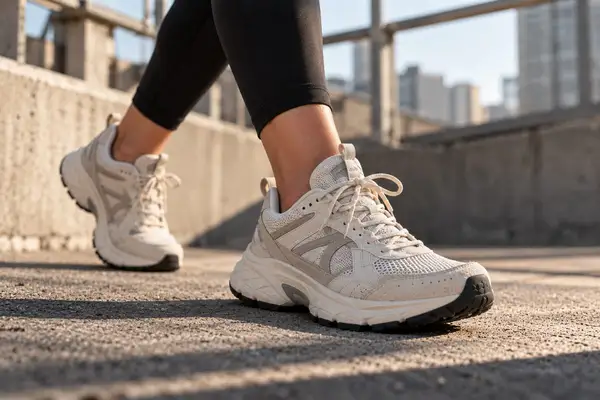
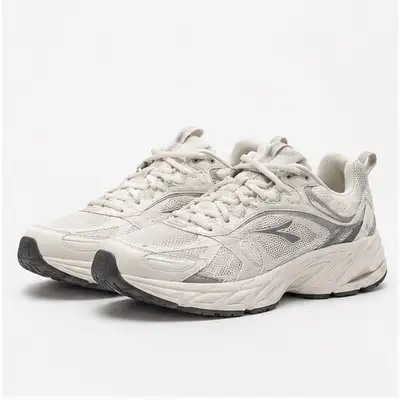
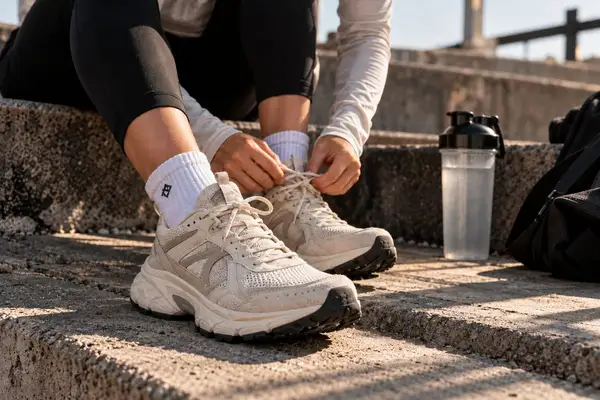
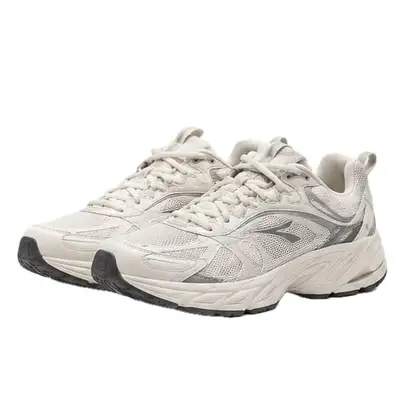
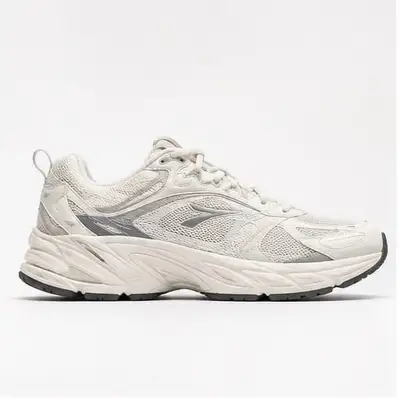
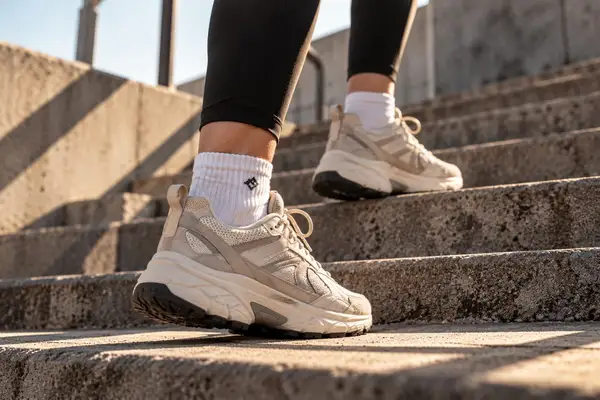
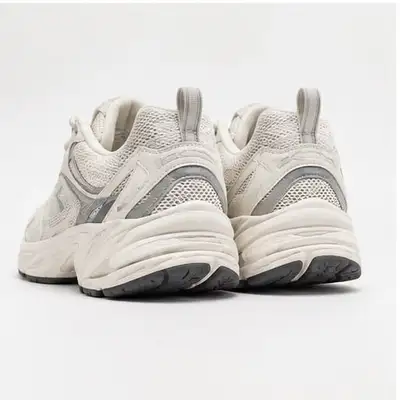
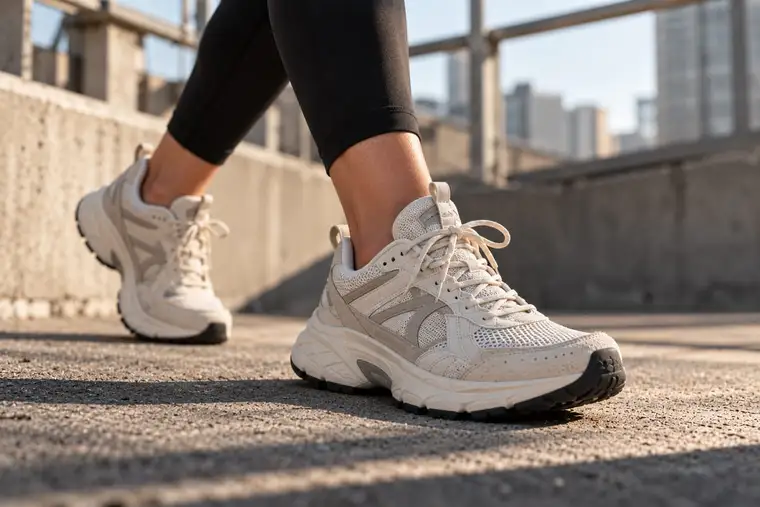



The media library in Keelvy: photos filed against products, with their rights and status.
Replaces Pics.io, enterprise asset libraries, and the shared drive nobody can search.
The four jobs a shared folder does badly
Nobody knows which photo is current
The shoot came back in a shared folder, the retoucher sent a second version, and the file called final_v3 is not the final one.
- A photo belongs to a product, a size or a color. Open the product and everything is there.
- Every change keeps the earlier version, and any older one comes back.
- Find a file by product, folder or tag, instead of by who sent it.
Every channel wants a different size
Square for one, tall for another, a white background for the marketplace. Someone re-exports the same photo six times.
- Mark the focal point once, and every channel gets its own crop.
- Each channel receives the format and weight it wants from a single original.
- Photos are checked against each channel’s rules before they go out.
Retouching takes a week
A clean background, a cutout, the same look across a whole collection. Usually that means an agency and a queue.
- Clean up backgrounds and cut products out, right where the photo lives.
- Give a whole collection one look, and turn a photo into a short video.
- The original stays untouched, whatever you try.
Rights and approvals live in email
Which photos may we still use, and did the client say yes? The answer is somewhere in a thread.
- Record who may use a file, with an end date for the licence.
- Send a set to the people who sign off, and get a yes or a note back, file by file.
- A photo whose rights have expired is pulled from every channel.
From a messy folder to a library in an afternoon.
Upload or connect
Drop files in, or import a Google Drive folder, so a whole shoot lands in one place.
Let it file them
Photos are linked to products, tags are suggested, and duplicates are flagged for you.
Share and publish
Send buyers a gallery link, and every shop gets the crop it needs.
Made for brands with more pictures than patience.
Brands with a photographer
Shoots arrive in batches, and the right file must reach the right product.
Shops on many channels
Every marketplace has its own rules for size, background and weight.
Makers
Each batch looks a little different, and the pictures have to keep up.
Questions about DAM
What is a DAM?
A DAM (digital asset management) is a library for your photos, video and design files: it stores them, labels them, controls who may use them and hands each channel the right version.
Can I keep using Google Drive?
Yes. You can import a Google Drive folder in a few clicks, and mirror your library back into a Drive folder you own.
Does it handle video?
Yes, photos and video sit together against the product. You can also turn a product photo into a short video.
How is this different from Pics.io or Bynder?
Those are made for marketing departments and priced like it. Keelvy keeps the library next to the products, so a photo reaches every channel that sells the product without anybody filing it.
How much room do I get?
Each plan includes a set amount of storage, listed on the pricing page, and you can add more in blocks.
Four jobs, one set of facts.
Products, photos, orders and production share the same information, so nothing is typed twice.